
Shuttle scheduling
Plan hotel, airport, and group transfers with pickup windows, meeting points, and a stop order the driver can follow.
Passenger requests
Record the pickup, destination, requested time, contact, and meeting point for each trip.
Stop order and timing
Group the trips’ stops into a route. Allow time for boarding, check pickup windows and schedule warnings, then assign a driver and vehicle.
Inside RouteIQ
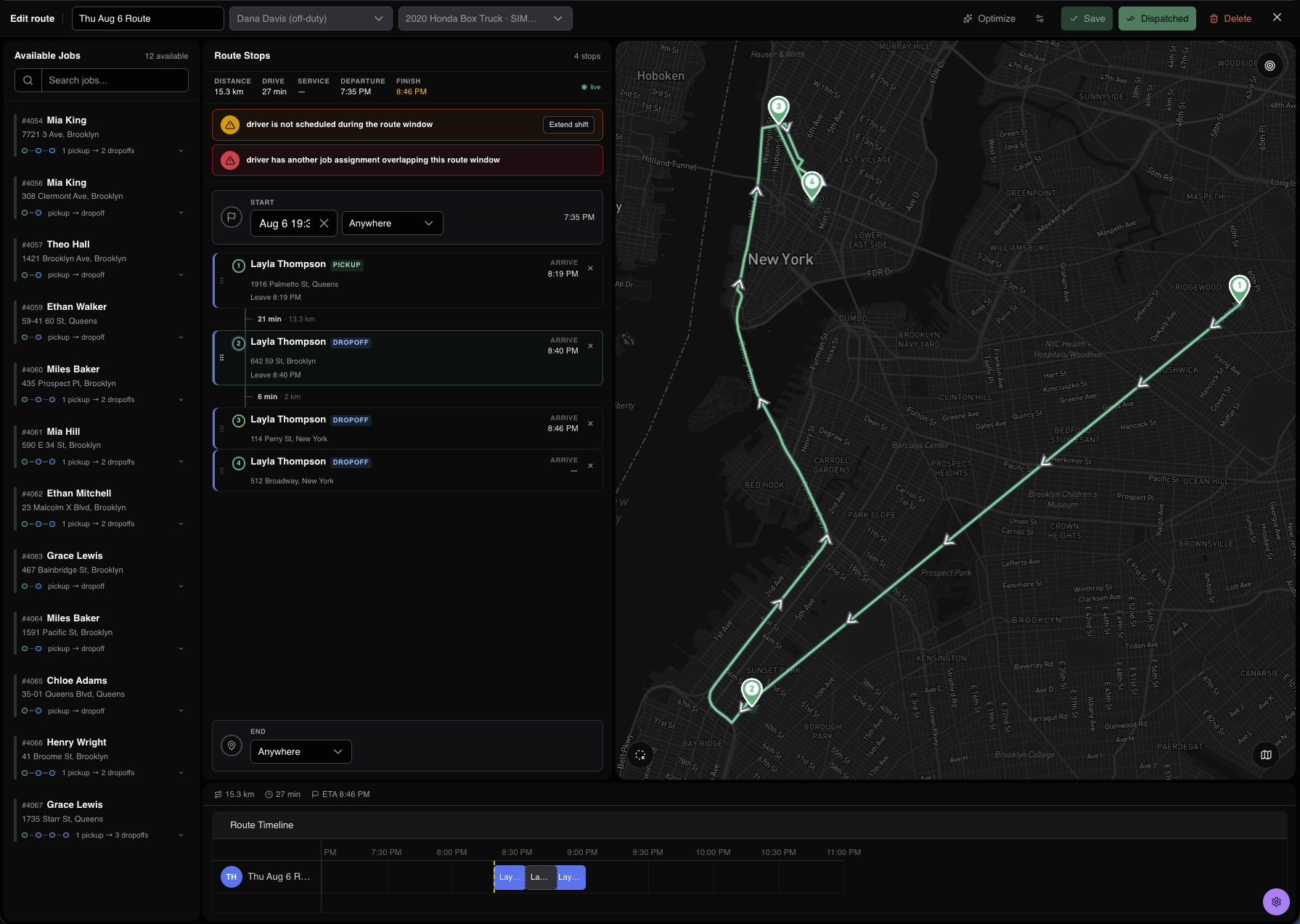
View example settings
Dashboard · Example settings
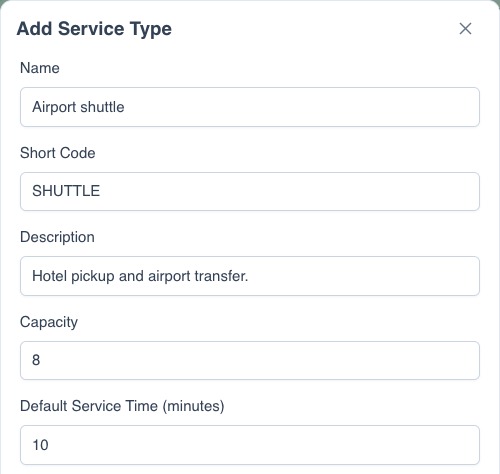
Driver instructions
The Driver App shows each stop’s meeting point and instructions. Drivers record pickup progress and complete any required forms. The office can review each trip and the full run.
Passenger updates
Share each passenger job’s tracking link for its status and latest ETA.
- Stop 1
- Hotel A · Side entrance
- Stop 2
- Hotel B · Reception
- Stop 3
- Airport · Agreed terminal
- At each pickup
- Read notes and record the required confirmation
Questions
What is the difference between a trip and a route?
A trip is one passenger request, saved as a job. A route groups stops from one or more jobs into the run assigned to a driver.