
Bookings for private drivers
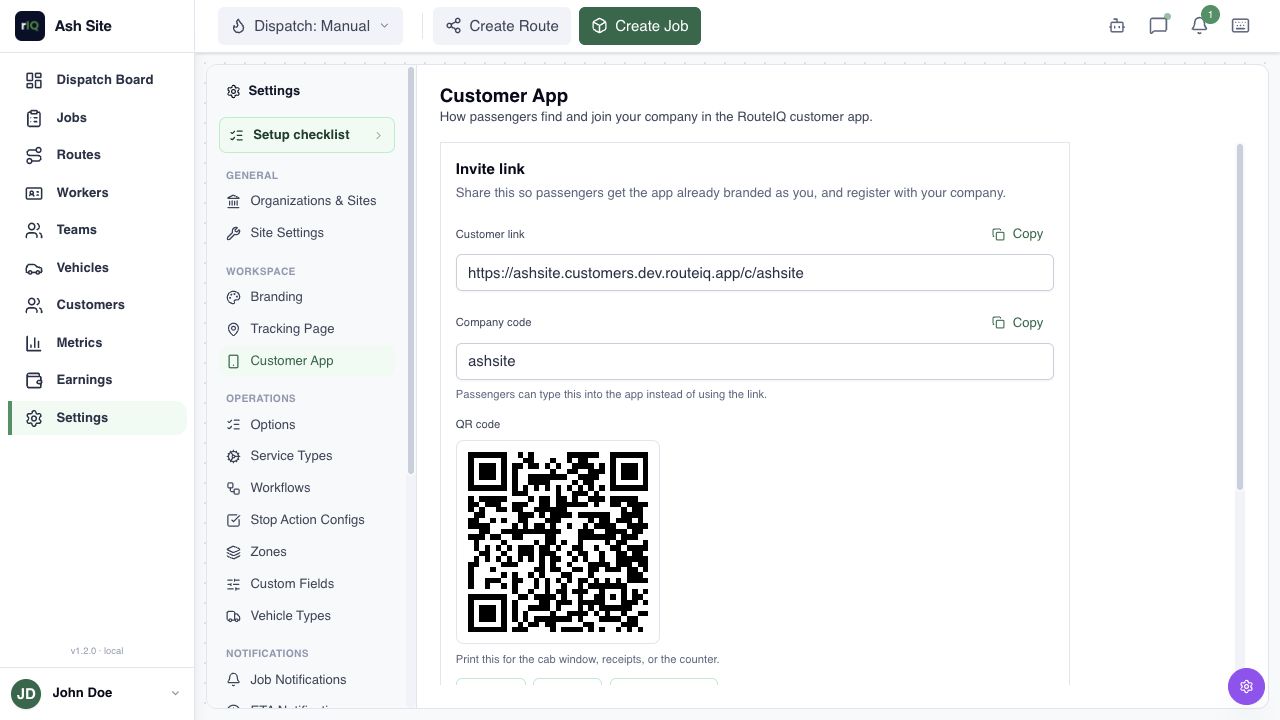
Let passengers request a pickup through your website or QR code. Review the time and trip details, then assign yourself or another driver.
Website and QR bookings
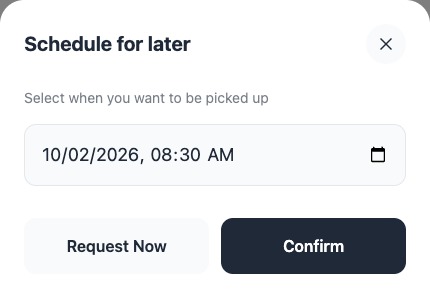
Add a booking link to your website or put your QR code on a card or vehicle. Passengers sign in, enter their journey, and request a date and time.
Hotel and restaurant referrals
Leave your QR code with local hotels and restaurants, or ask them to share your booking link. Customers use it to request a ride directly from your business.
Scheduled pickups
Review the requested time before accepting the trip. Assign yourself or another driver, with the meeting point, contact, and pickup instructions.
Trip updates
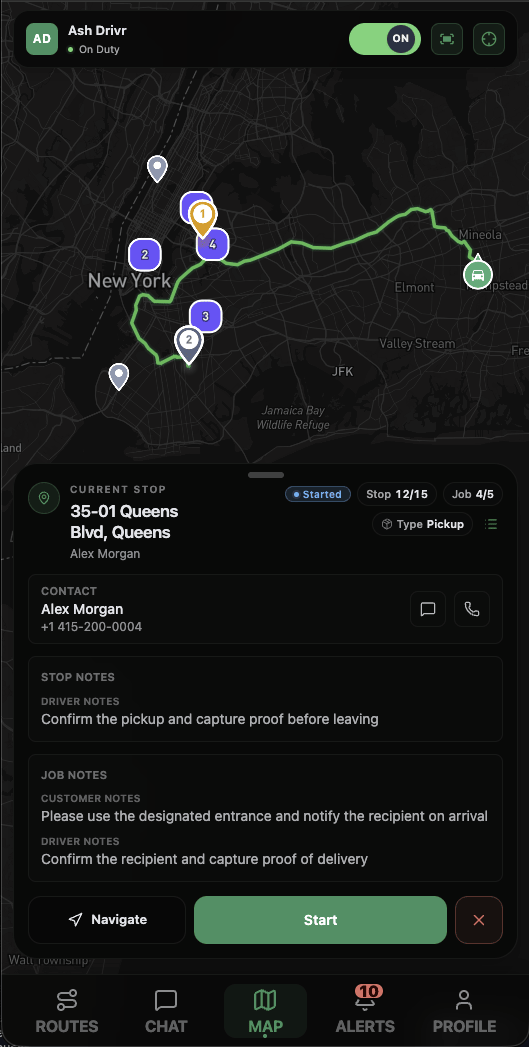
Drivers see the stops and instructions in the Driver App. Share tracking or send configured updates to passengers. Customers can view their trip record and use the same booking link next time.
Questions
Do passengers need to download an app?
No. The Customer App works in a browser. Passengers sign in to request a trip; mobile booking is also available.
Is the requested time automatically confirmed?
No. Review your availability before confirming the pickup.
Do I need to build my own booking app?
No. Use RouteIQ’s Customer App with your branding. White-labeling is also available. Ask about white-labeling
Private security: Security & response