
Security patrol management
Assign patrols, receive geofence alerts, and record checkpoint checks. Officers can call dispatch by video through the LiveKit integration.
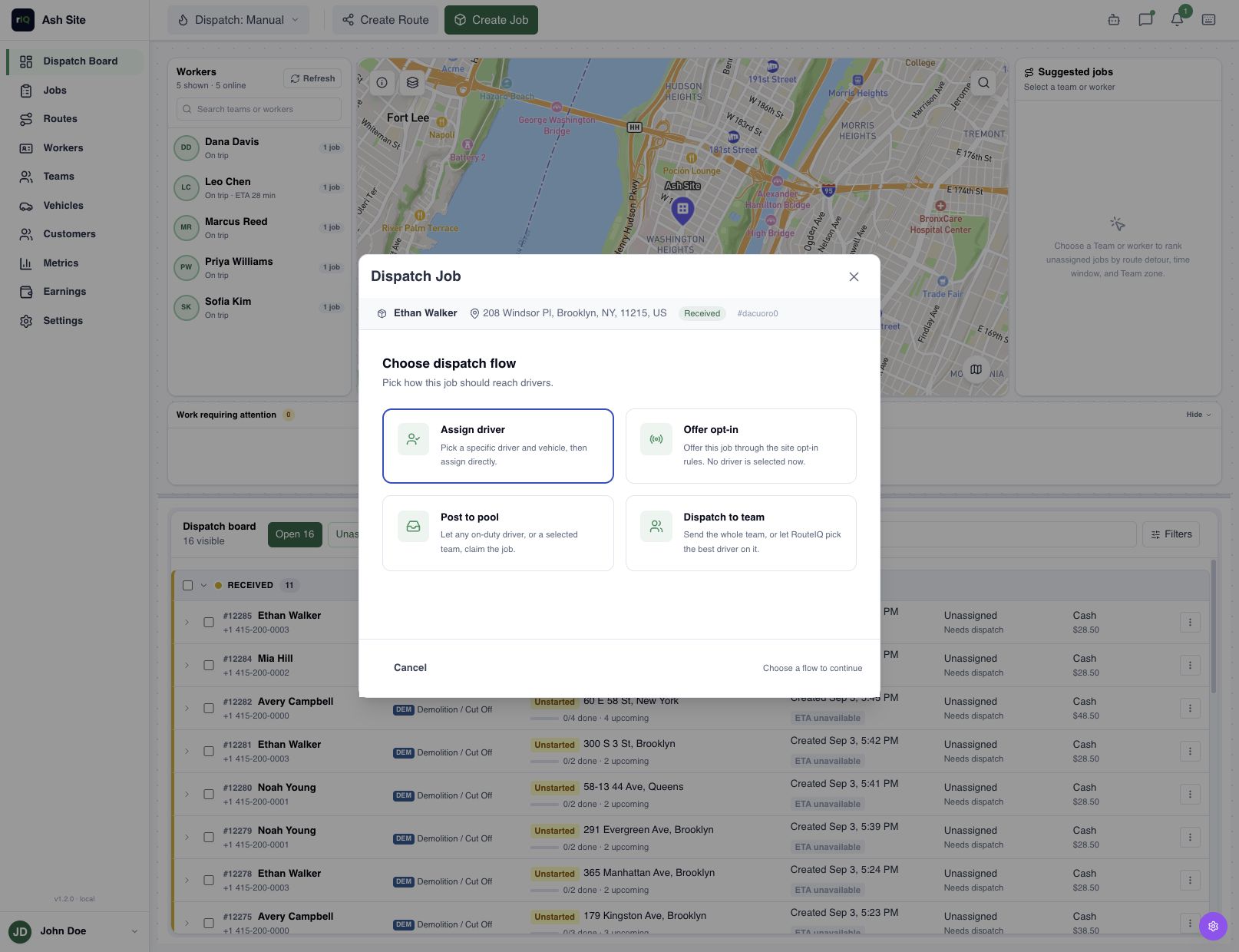
Patrol requests
Review customer requests or create a patrol in the Dashboard. Add the schedule, site contact, checkpoints, and access instructions, then assign an officer. The patrol appears in the Driver App.
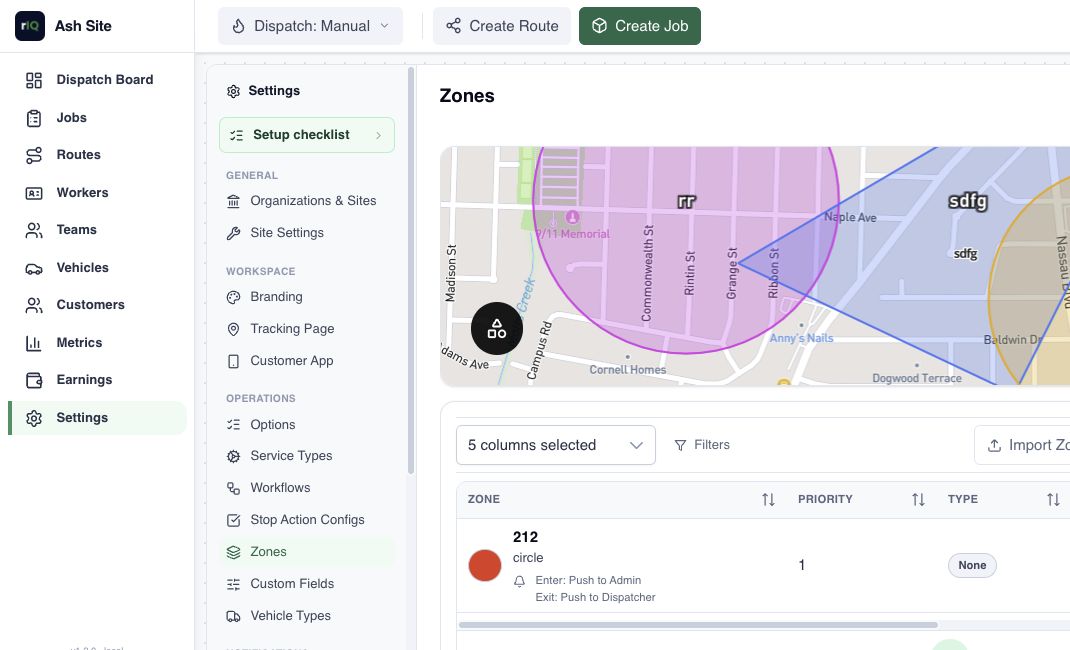
Zones and geofence alerts
Draw patrol areas and set entry, exit, or dwell alerts. Choose who receives them through enabled push, email, or SMS channels. Alerts use the officer’s location updates.
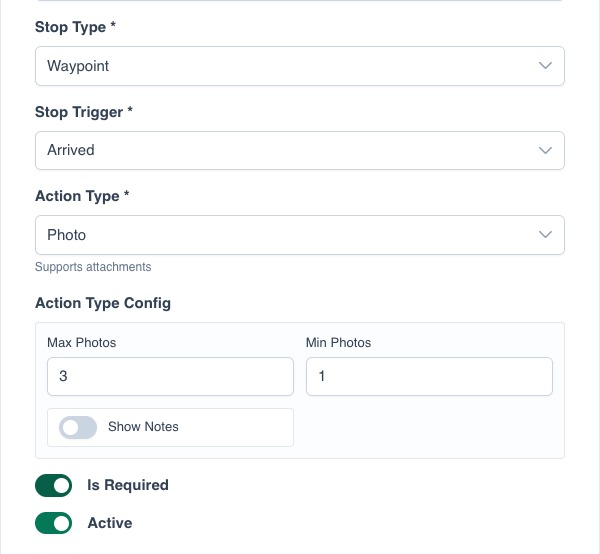
Checkpoint reports
Add instructions to each checkpoint and require photos, scans, or forms for its stop type. Officers complete the checks in the Driver App. Review their reports and patrol progress in the Dashboard.
View example patrol
| Checkpoint | Stop instructions | Evidence to collect |
|---|---|---|
| Main gate | Check the gate and pedestrian access. | Checkpoint scan, findings, and required photo. |
| Library entrance | Check the entrance and report any access issue. | Checkpoint scan, findings, and required photo. |
| East car park | Check the perimeter and report observations. | Checkpoint scan, findings, and required photo. |
Live video calls
An officer can show dispatch an open gate or another issue in a one-to-one call from the Driver App. Calling requires an active LiveKit integration, connectivity, and camera or microphone access. Record any follow-up on the job.
Questions
Can a customer request a campus patrol?
Yes, through your branded web or mobile Customer App. Add its link or invitation banner to the campus website; white-labeling is available. The current form asks for pickup and destination locations. Create single-site jobs in the Dashboard. Ask about white-labeling
Does a geofence alert complete a checkpoint?
No. It reports movement. The officer must still complete the checkpoint’s required actions.
Can I set different checks at each checkpoint?
Each checkpoint has its own instructions. Required actions are configured by stop type and applied to new stops, so set them up before creating the patrol.