
Non-emergency medical transport
Plan NEMT trips around appointments and rider needs. Set pickup windows, assign a suitable vehicle, and collect the required forms and signatures.
Appointment times
Set pickup and destination windows, allowing time for boarding and clinic check-in. Review the route’s timing and warnings before dispatch. For a 10:00 appointment, you might plan arrival between 9:35 and 9:45.
- 08:55–09:10Home pickup window
Agreed entrance · Allow time for boarding
- 09:35–09:45Clinic stop window
Reception entrance · Allow time for the handoff
- 10:00Appointment
The appointment time guides the transport plan
Vehicle and assistance needs
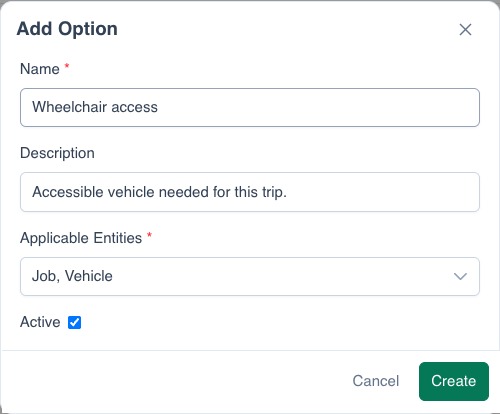
Record wheelchair access, boarding assistance, meeting points, and contacts. Use the requirements your team maintains to assign a driver and vehicle. The driver receives the stop details and instructions.
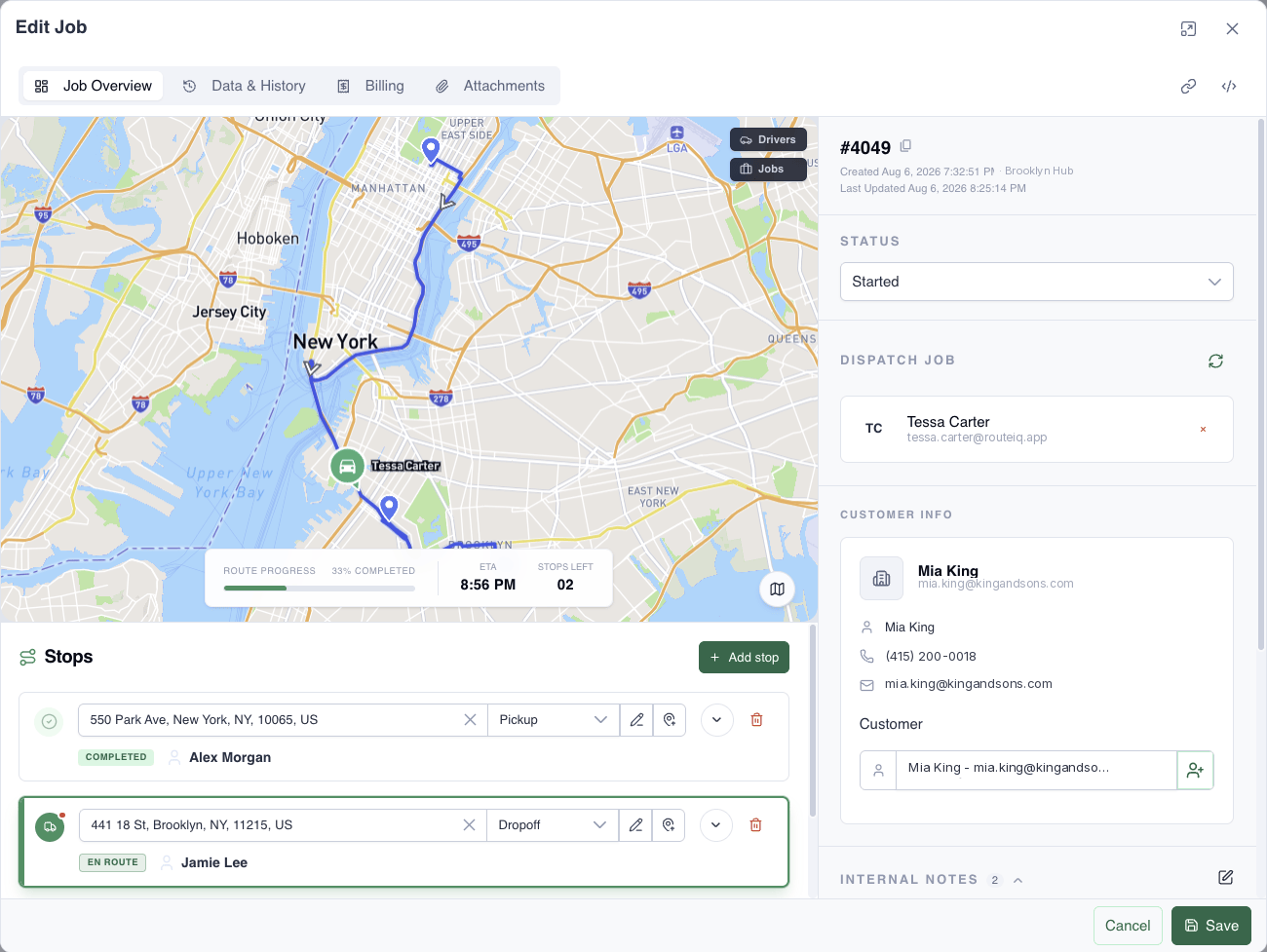
View example trip
Forms and signatures
Drivers complete pickup checks and arrival forms in the app. Require a signature and signer’s name when needed. Forms, signatures, and stop progress stay with the trip. Record delays or an unavailable contact in the pickup form.
Return trips
Create the return as a separate job. Set its pickup window when known, or confirm the time when the appointment finishes.
- Pickup form
- Outcome: rider ready, waiting, or contact unavailable. Add assistance checks and driver notes.
- Arrival form
- Receiving contact, handoff location, and transport notes.
- Signature
- Capture the acknowledgment and signer’s name where your process requires them.
Questions
What does NEMT mean?
Non-emergency medical transportation: planned trips to appointments and back.
Can I require particular form fields?
Yes. Configure forms and signature actions for pickup or drop-off, and mark required actions or fields.
Can I share updates with a rider or carer?
Share the trip’s tracking link with the rider or their contact. You can also configure ETA notifications for the customer on the job.