
Field service scheduling
Manage service requests, assign technicians, and record the work on site—for independent tradespeople and larger HVAC teams.
Service requests
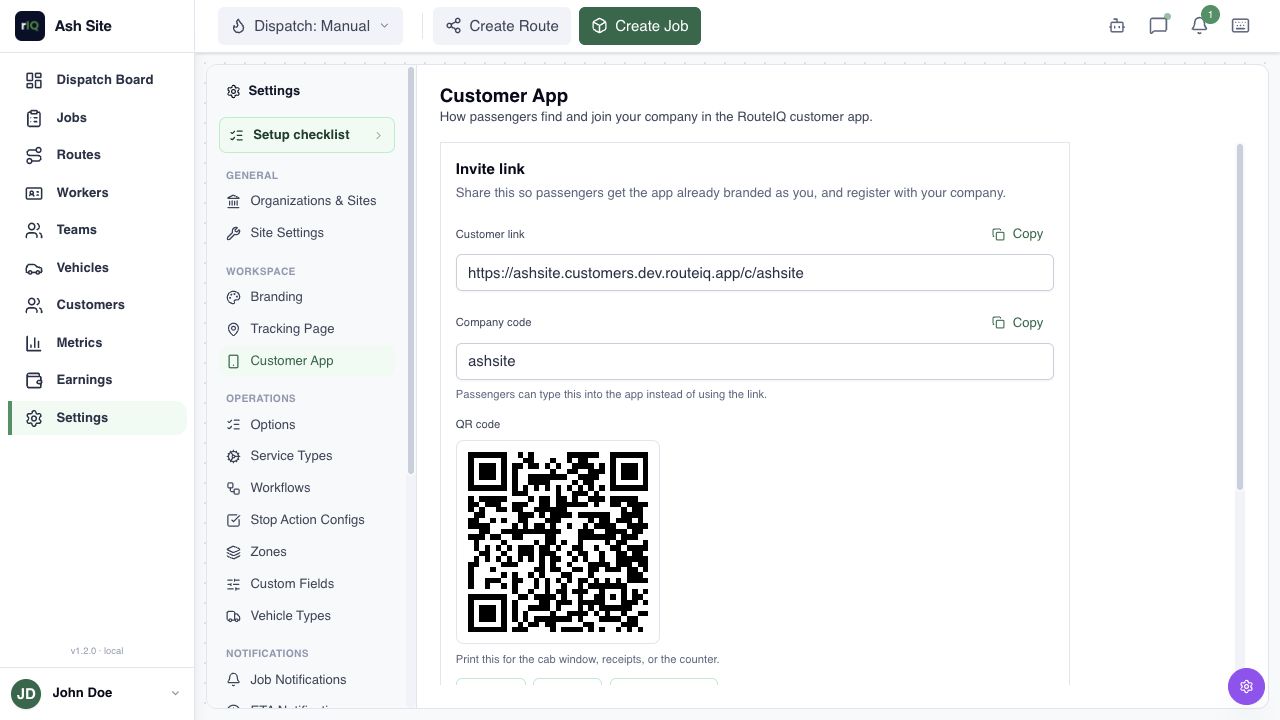
Put your booking link on your website and your QR code on service stickers, cards, or vans. Customers sign in to submit a request. Review the details and requested time before confirming the visit.
Technician assignment
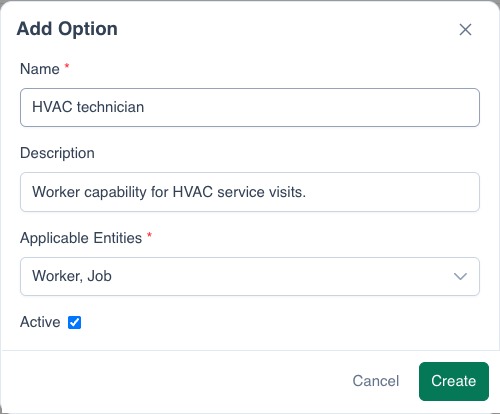
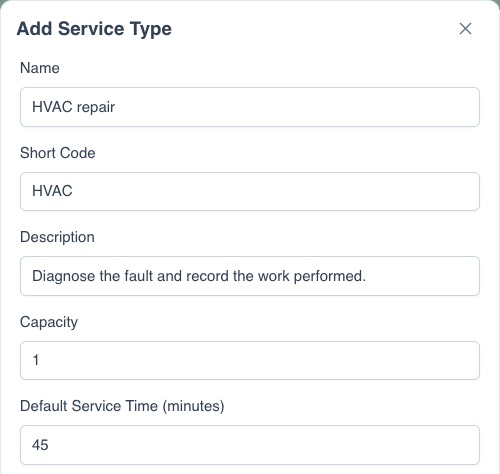
Add the fault, address, access notes, and equipment needs. Assign the visit to yourself or a technician, or dispatch through a team. The technician receives the details in the Driver App.
View example settings
Arrival updates
Share the job’s tracking link so the customer can check the visit’s status and latest arrival estimate.
Visit reports
Technicians record findings and work performed in a custom form. Require photos or a signature where needed. The completed report stays with the job for the office to review.
- Reported issue
- Unit not cooling
- Access
- Rear entrance · Contact on arrival
- Findings
- Technician’s configured report form
- Completion
- Work photos + customer acknowledgment
Questions
Does a requested time confirm the appointment?
No. Check the visit details and technician availability before confirming it.
Can customers book a single-address visit online?
The current Customer App form asks for pickup and destination locations. Create single-address service visits in the Dashboard.
Can I use my own branding?
Yes. Use the branded Customer App on web or mobile. Add its link or invitation banner to your website. White-labeling is also available. Ask about white-labeling