
Towing and roadside dispatch
Take tow requests, assign a suitable truck, and keep vehicle details, arrival updates, and collection photos on the job.
Tow requests
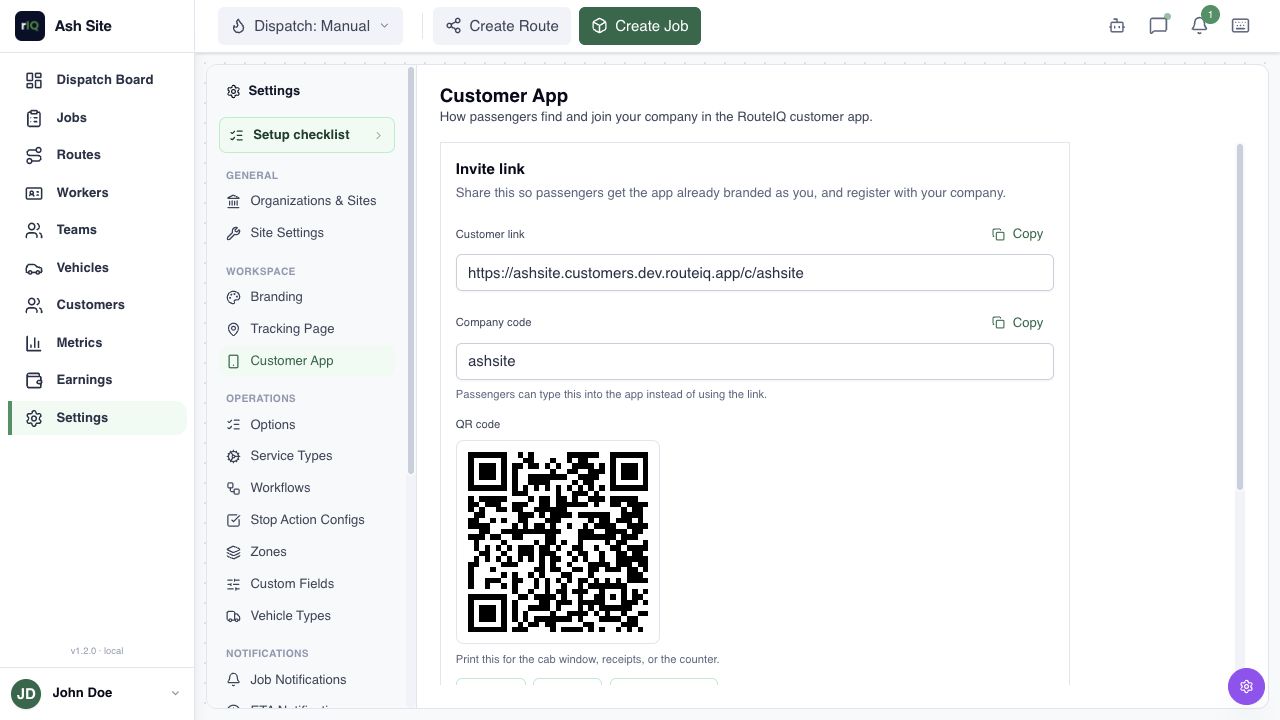
Give repair shops your QR code and put your booking link on your website. Customers sign in to request collection and drop-off. Enter phone requests in the Dashboard and review the vehicle and access details.
Truck assignment
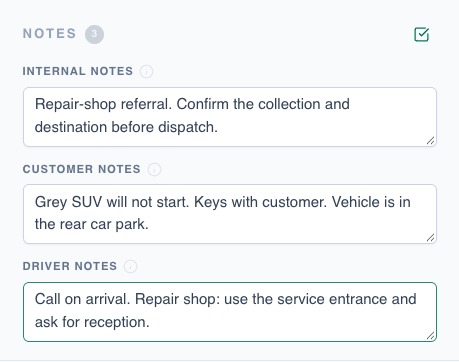
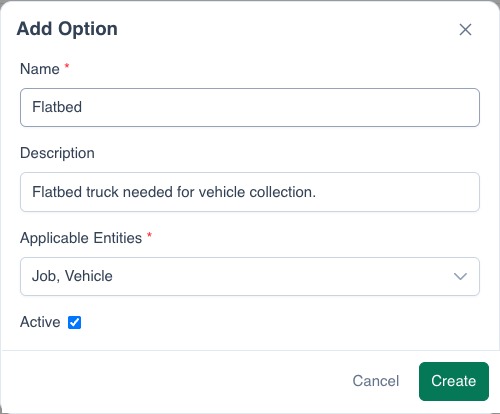
Add the vehicle’s reported condition, key location, and access notes. Set equipment requirements, such as a flatbed, before assigning the truck and driver. Automatic dispatch checks the worker and vehicle options your team maintains.
View example settings
Arrival updates
Share a tracking link so the customer can check the truck’s status and latest ETA. Configure notifications for the updates you want to send.
Vehicle photos and handoff
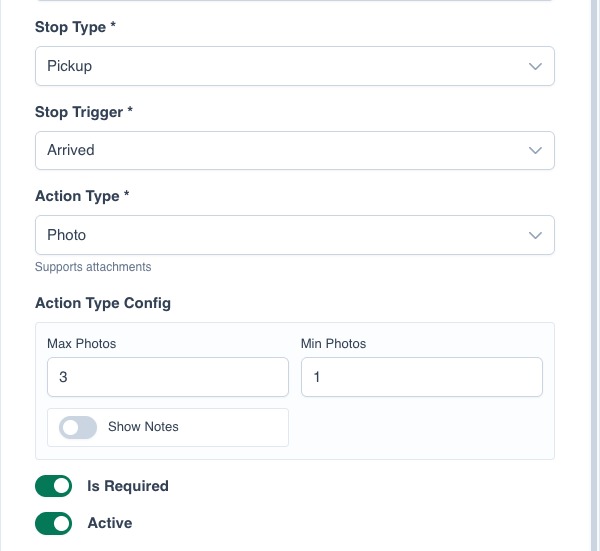
Require condition photos or a form at collection, then a signature or photos at drop-off. The driver completes these in the app, and both records stay with the tow.
Questions
Can I use RouteIQ with one truck?
Yes. Assign jobs to your own worker profile and truck, then use the Driver App on the job.
What about jump-starts and other roadside calls?
Set up separate service types and create single-location jobs in the Dashboard. Customer App bookings currently require both collection and destination.
Do I need my own booking app?
No. Use the branded web or mobile Customer App. Add its link or invitation banner to your website. White-labeling is also available. Ask about white-labeling